Factory
Factory is a tycoon-style gamemode, that allows for a playstyle focused around their passive income from their factory. Your factory is the core of your gameplay, while other features are important to help boost your progression. Your objective is to use these features such as mining and jobs to grow your factory and compete for the top spot with your HQ.
Unlike our other realms, there is no resetting mechanism in factory. This means all your progress gained pushes you closer towards the top!
How To Start
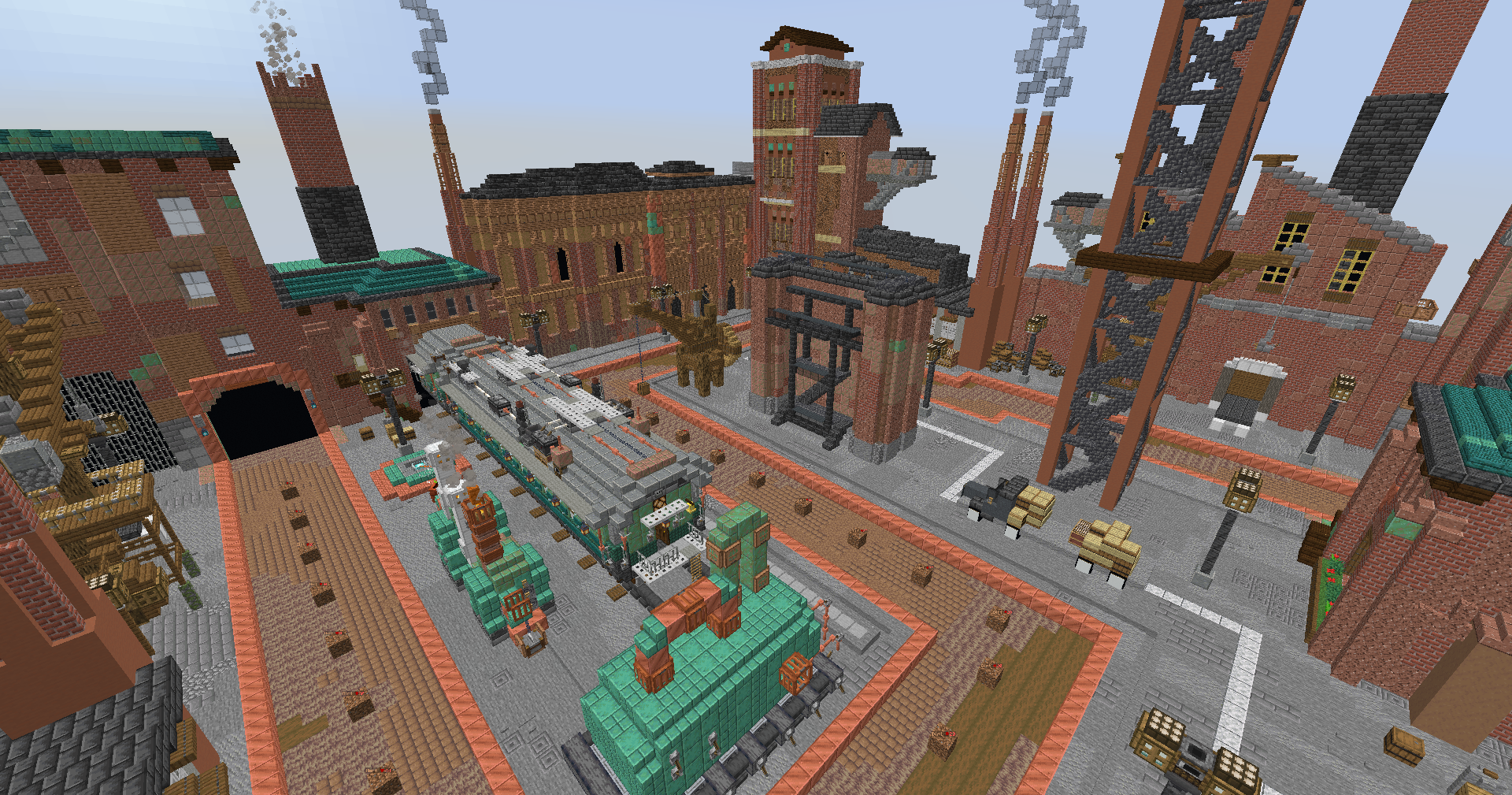
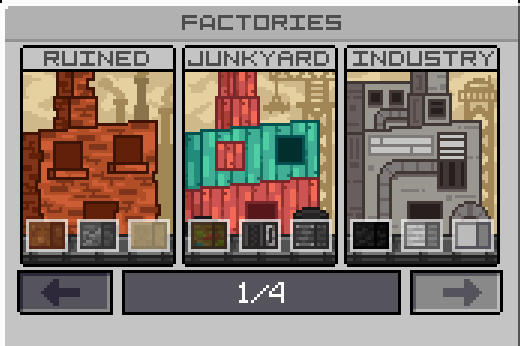
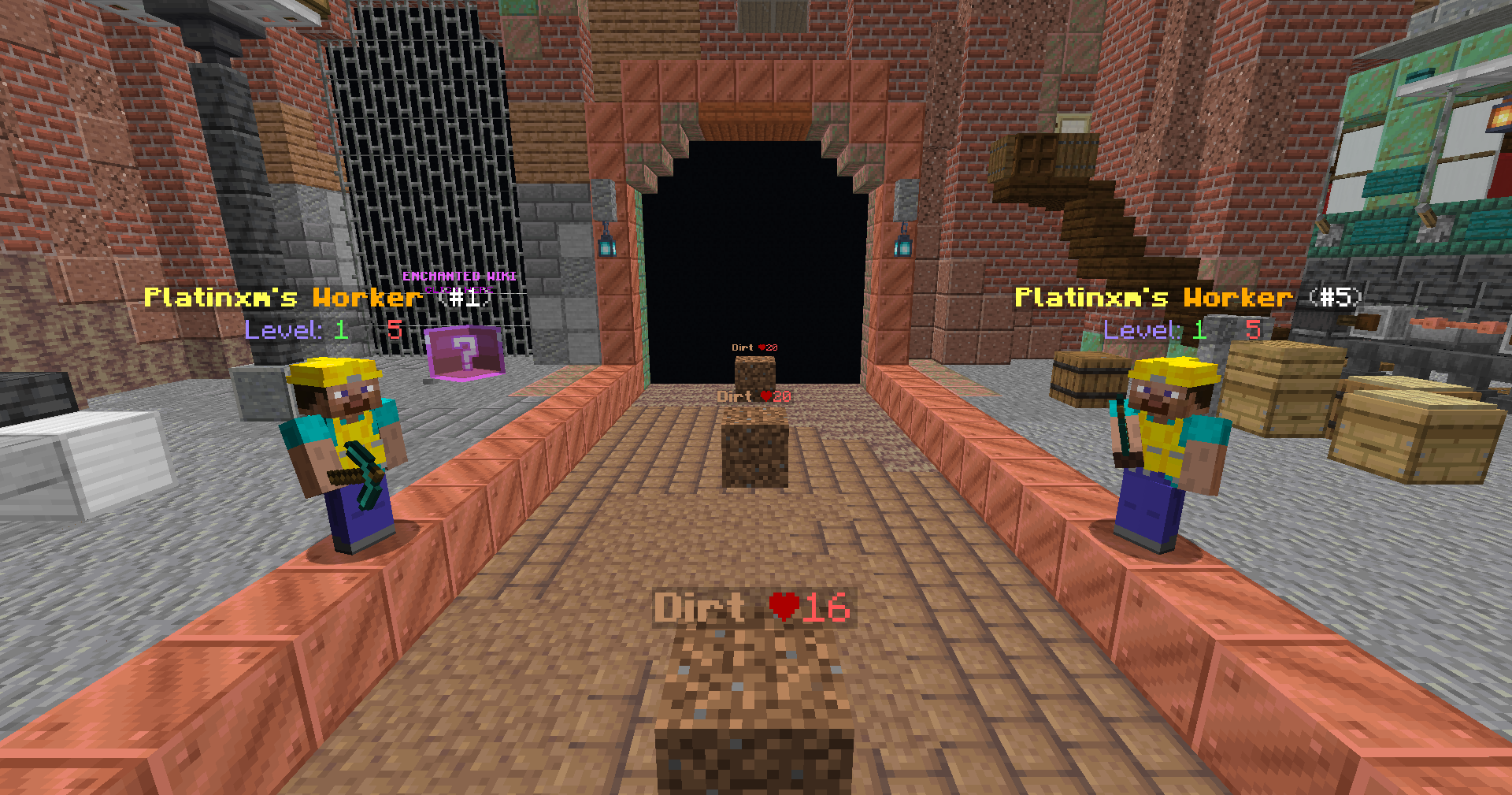
When you first spawn in, you'll want to do /factory. This is where you can access all the factories and block upgrades. You'll only have access to the ruined factory, where you will begin your journey. Once you teleport there, blocks will begin spawning in and making their way through your factory like a conveyor. The armor stand in your inventory is used to access your workers. Simply click any of the copper blocks on the side to place your workers down. These workers will mine the blocks for you and earn you money!
Note: Blocks that are partially broken will still earn you a percentage of the money!
Workers
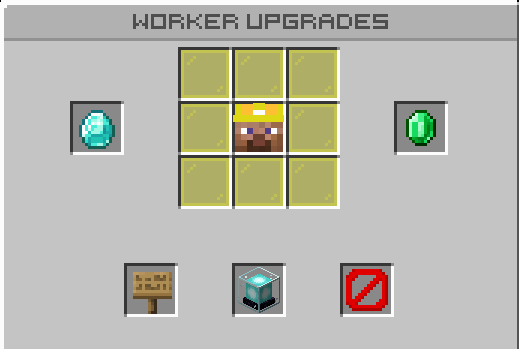
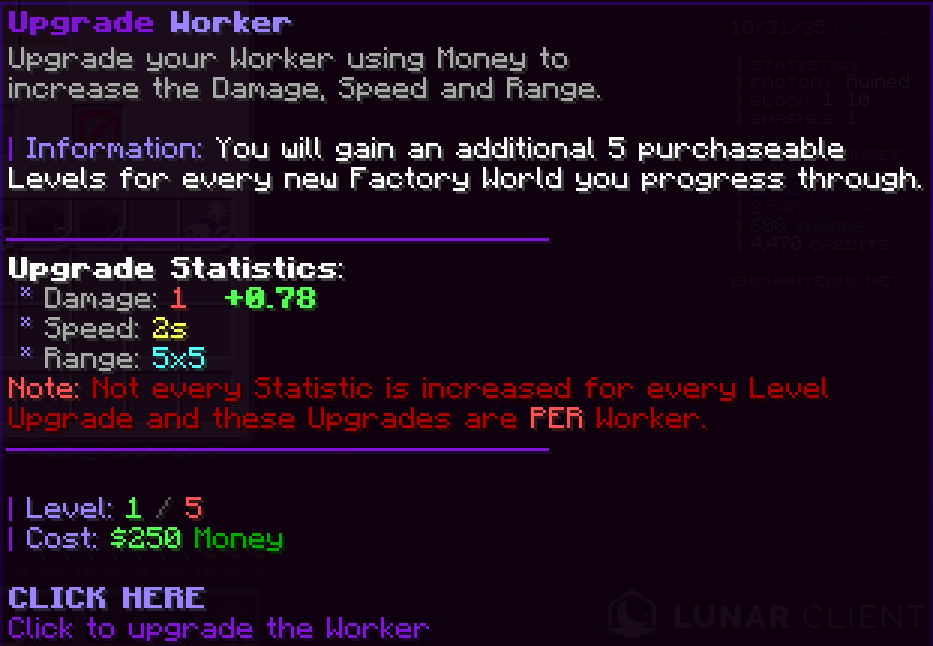
Your workers are your main source of earning money. You do not have to be at your factory for them to earn you money. Each worker has their own set of upgrades, traits, and stats. You can view these by right-clicking any one of your workers. Upgrading your workers will increase their damage, attack speed, and range. The beacon is where you upgrade your individual workers. The diamond and emerald are used to roll your worker traits and stats. You can also change the block your worker targets by clicking the sign.
Worker Traits
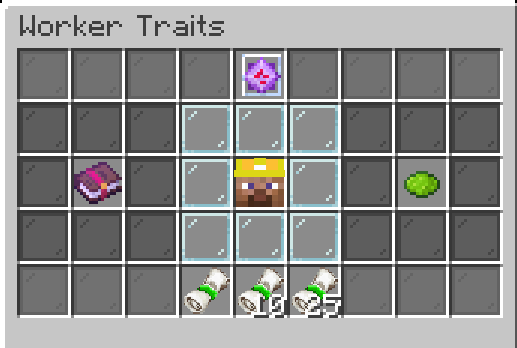
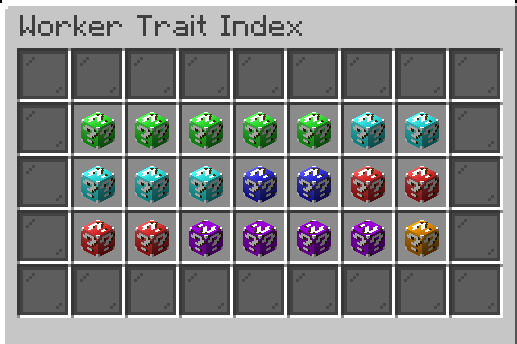
Worker traits are boosts that apply towards each individual worker. You can access these by clicking the diamond in the worker upgrades menu. Rolling for traits does require trait tickets, which can be obtained many ways in game! There is also a pity system for traits, which guarantee a purple+ perk after rolling a certain number of times.
There are currently 5 types of buffs earned through traits:
- Money
- Range
- Speed
- Enchant
- Damage
Worker Stats
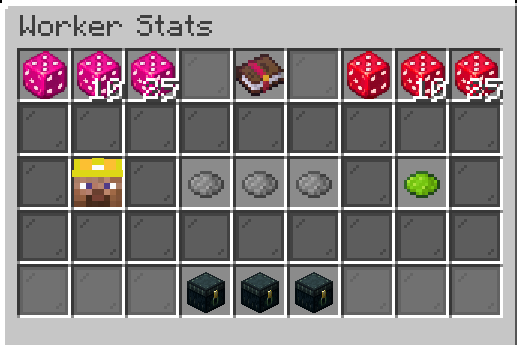
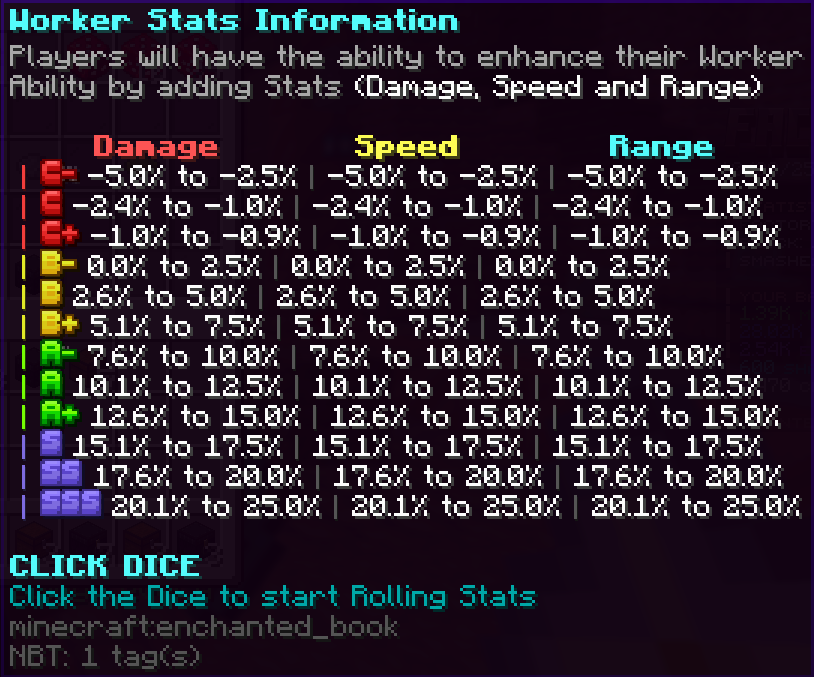
Worker stats are similar to traits, but work differently in the boosts they provide. You'll need to obtain either normal or special stat dice to roll for a stat. When you roll, you are given grading for damage, attack speed, and range. Normal stat dice rolls all 3, whereas special stat dice roll only 1 of them, allowing you to keep a good roll.
Worker Enchanting
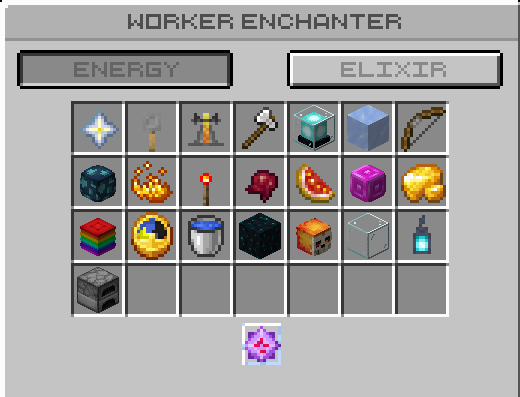
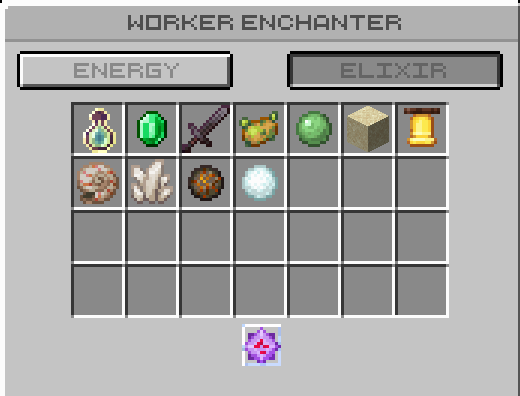
You'll notice that you spawn in with a nether star, which is used to enchant your workers. Enchants go across all workers, meaning upgrading 1 enchant will affect all workers. New enchants can be unlocked by reaching certain swing level milestones. You gain experience from your workers attacking the blocks at your factory. You can see this level just above your hotbar or by hovering over your worker enchants menu.
Note: Each new factory you unlock will increase the levelcap on your enchants!
Enchant Prestiging
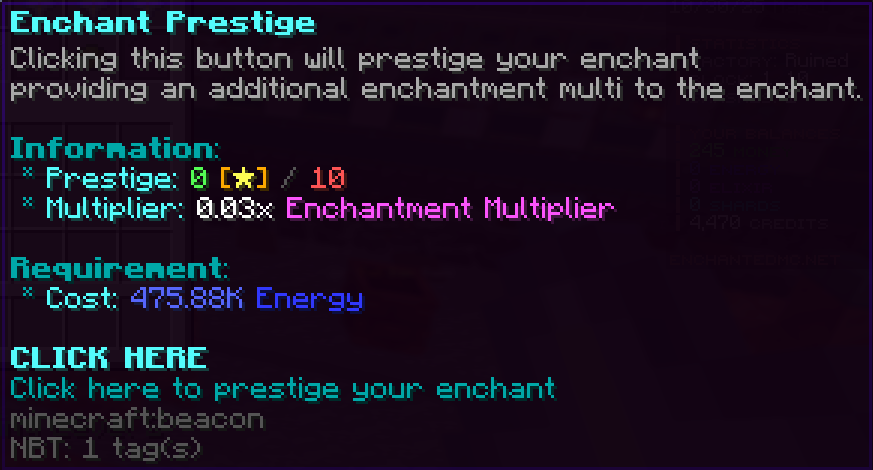
After completely maxing an enchant, you'll have the option to prestige it. This gives a boost to the enchant, adding an enchant proc multiplier to that enchant.
Crystals
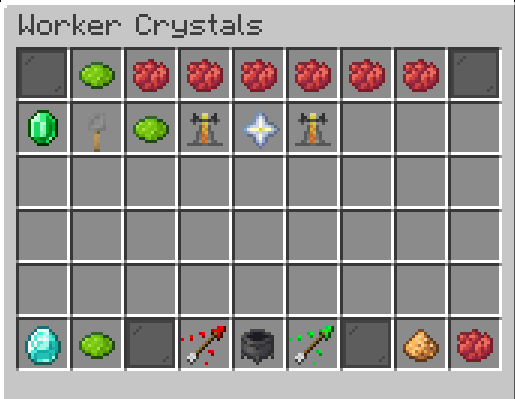
The crystal menu can be accessed by opening your worker enchant menu, and clicking on the end crystal. Equipping it will give you an increased proc chance for only that enchant. The main way to get crystals throughout your journey is by obtaining crystal boxes. There are 5 different tiers of crystal boxes, each one giving you the chance to receive a different enchant. In your crystal menu you may also access upgrades, crystal tinkerer, or withdraw them.
Mining
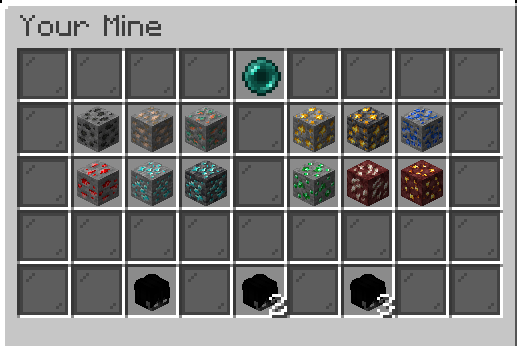
When you first spawn in you'll be given your first pickaxe, which you'll use in the mines. You can access your mine using the command /mine. Clicking the ender pearl will teleport you, where you'll start off mining coal ore. You can unlock better ores by upgrading the tier of your factory! As you mine, you'll receive energy and elixir, which is used to upgrade enchants for your pickaxe and workers.
AFK Block
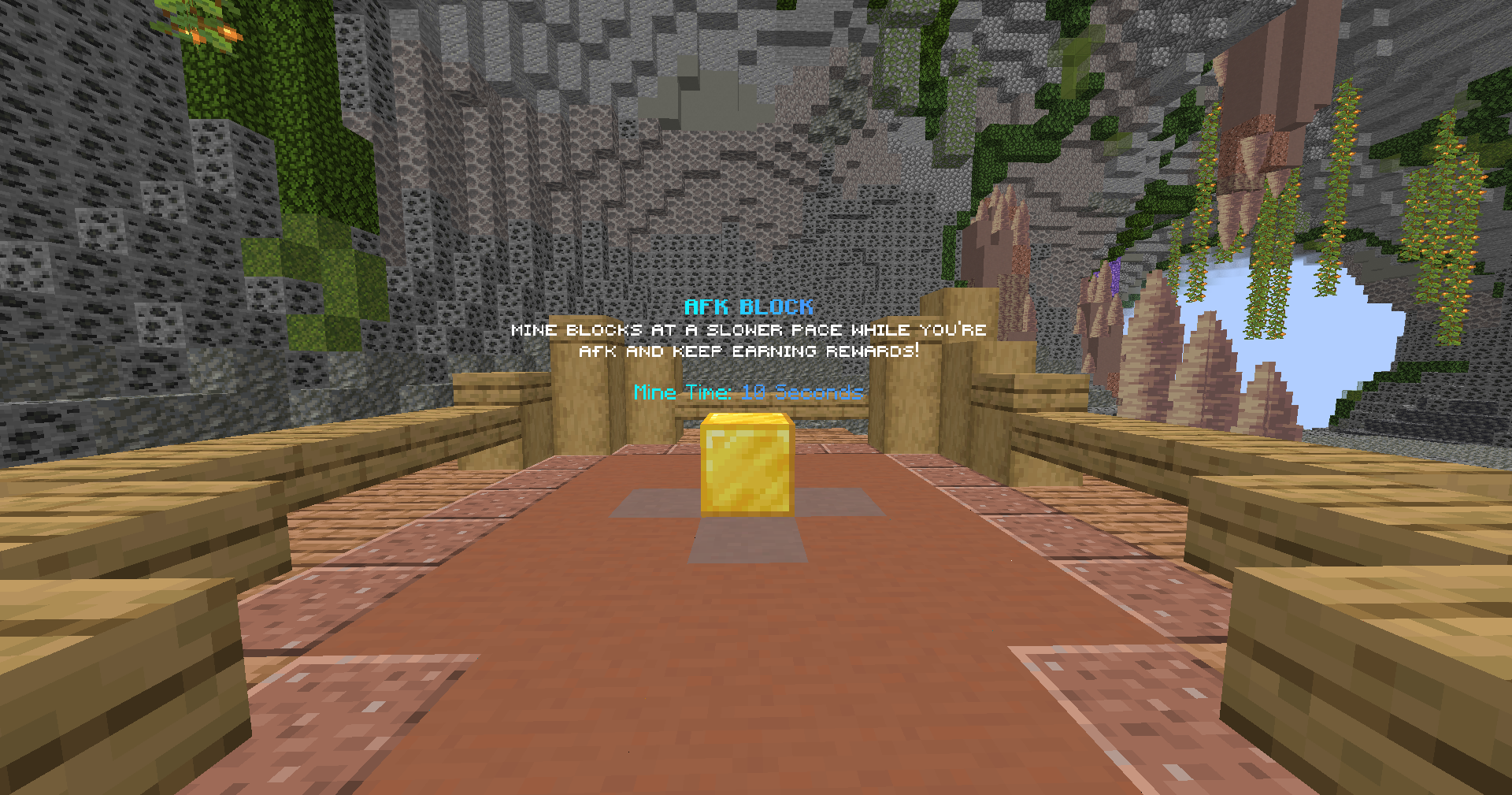
You can also find the AFK block to the left when you teleport into the mines. This will allow you to mine blocks while just sitting nearby it, earning you energy and elixir. It mines blocks at a slower rate, but you're able to increase the speed by using a booster cookie.
Pickaxe Upgrades
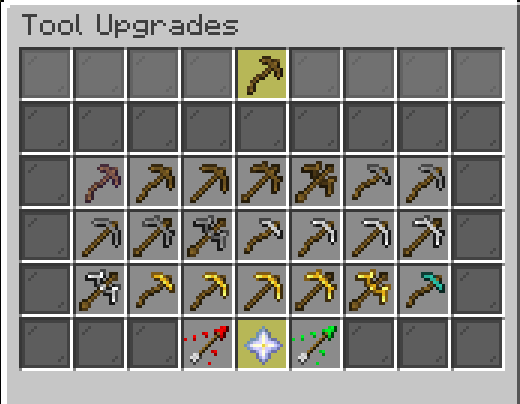
You'll start off with the worst tier of a wooden pickaxe, which just gives you base stats for break speed, energy, and elixir. You can use money to upgrade your pickaxe by right-clicking your pickaxe and clicking on the pickaxe item frame in your GUI.
Pickaxe Enchanting
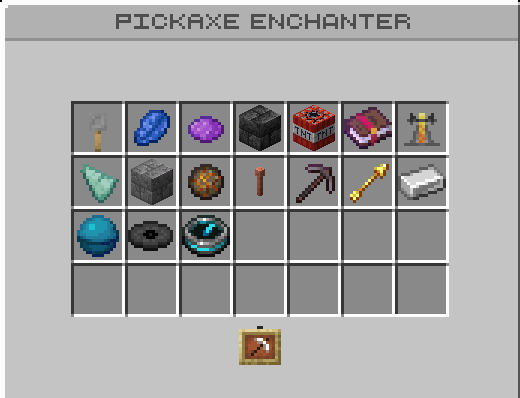
Right-clicking your pickaxe will open the enchanting menu. Different enchants use either energy or elixir to upgrade them. These are extremely helpful in boosting your progression as mining is one of the main ways to make energy and elixir to upgrade your worker enchants.
Note: Pickaxe enchants can also be prestiged to increase the proc chance, similar to the worker enchants!
Jobs
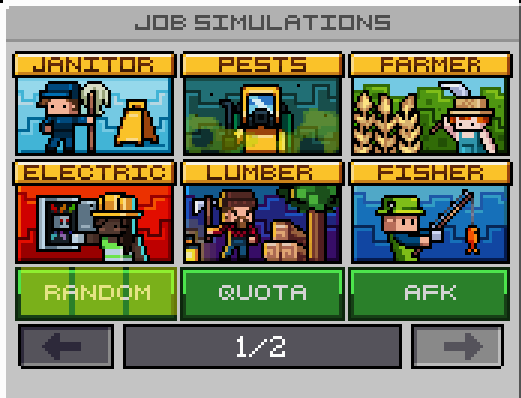
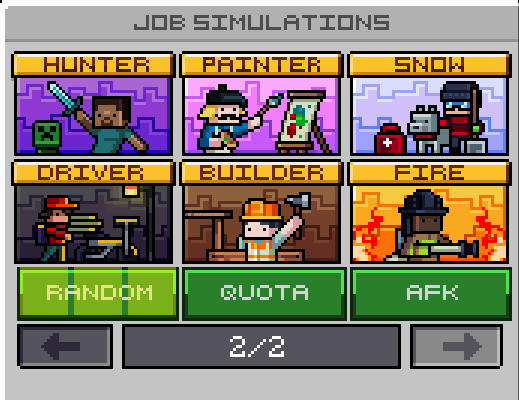
Jobs are the other main way to make energy and elixir to upgrade your workers! They can be accessed through /jobs, and act as a simulation where you go into a world and are given a task to complete to receive rewards. There are 12 different jobs to choose from, each giving you rewards based on how quickly you complete the task. Jobs are also the only way to earn resources, which are used in upgrading your HQ.
Random Job Simulation
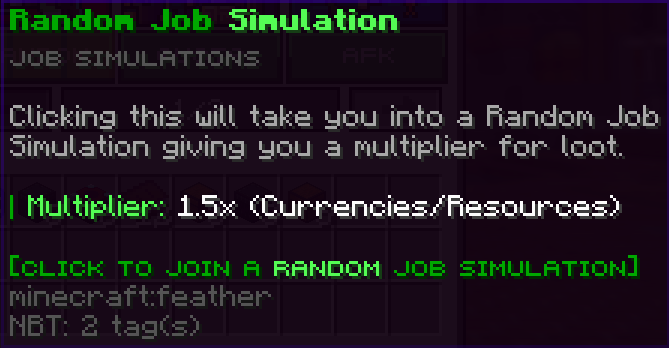
Clicking the random button in the /jobs menu will choose a random job for you to do, but in return you get a multiplier on the rewards you receive. This is a good choice if you don't have a preference and want to earn a little more loot!
Job Quota
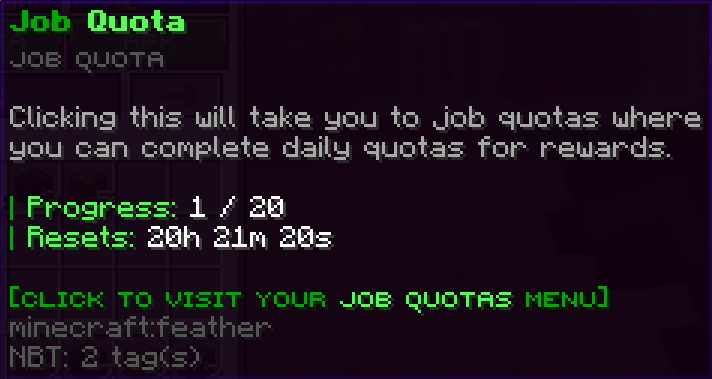
Completing jobs will count towards your daily job quota. You'll be given rewards for completing your quota, and these can be obtained everyday! You'll have 24 hours to complete your job quota once it resets.
AFK Job Simulation
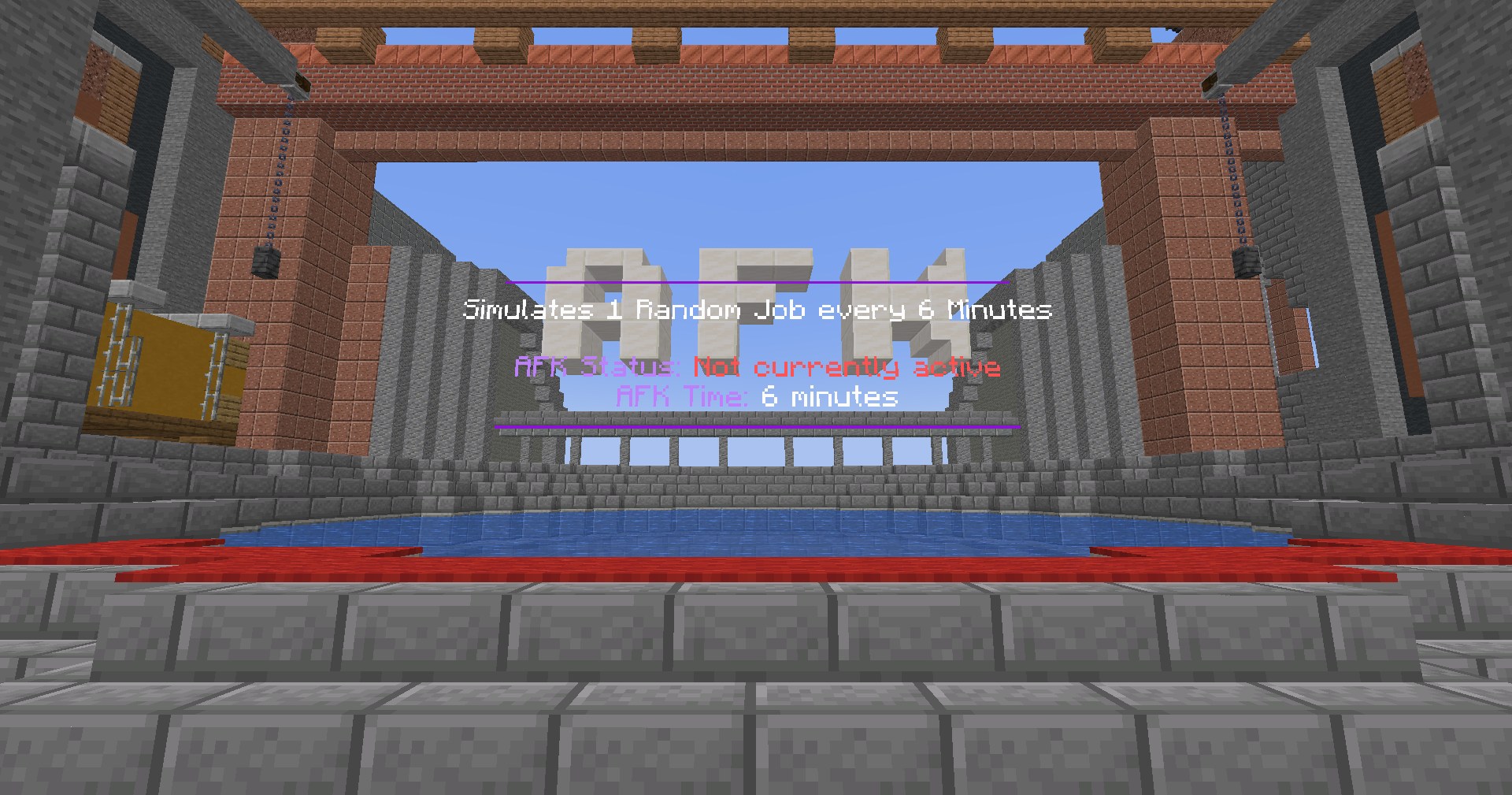
In the jobs menu, you'll see an AFK button, which will teleport you to a job AFK pool. By sitting in this pool you'll simulate the completion of 1 job every 6 minutes, allowing you to still earn while AFK!
Headquarters
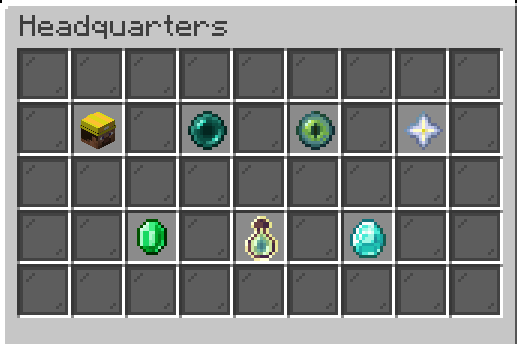
Headquarters is similar to the island/guild/cell system on our other realms. You can access HQ commands using /hq or /headquarters. To open an HQ menu you'll need to either create an HQ or join one. This is a great way for you to team up with your friends to get upgrades.
HQ Factory
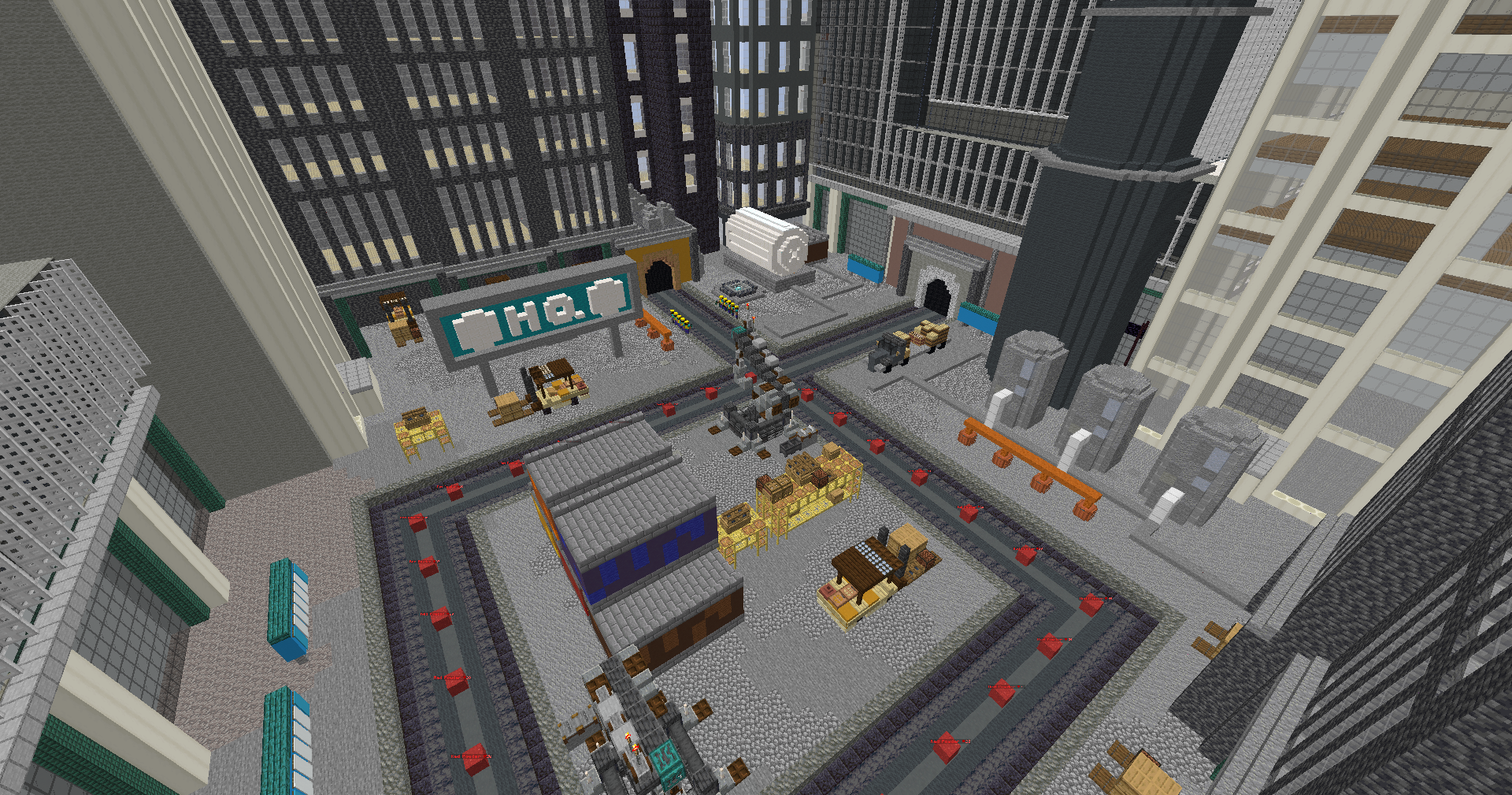
Headquarters have another factory, separate from your own and your teammates factories. You can teleport there by clicking on the eye of ender in your HQ menu. The blocks broken at the HQ factory by workers give you stock, which is used to buy HQ upgrades and increase your HQ level!
HQ Level
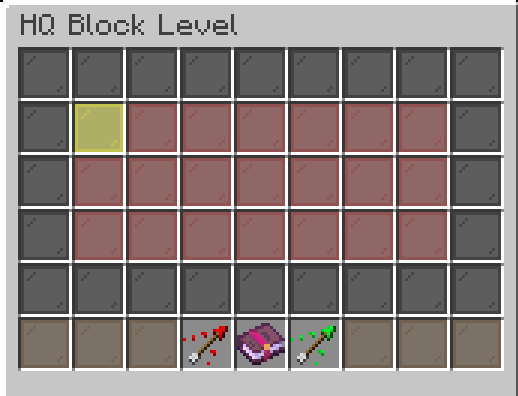
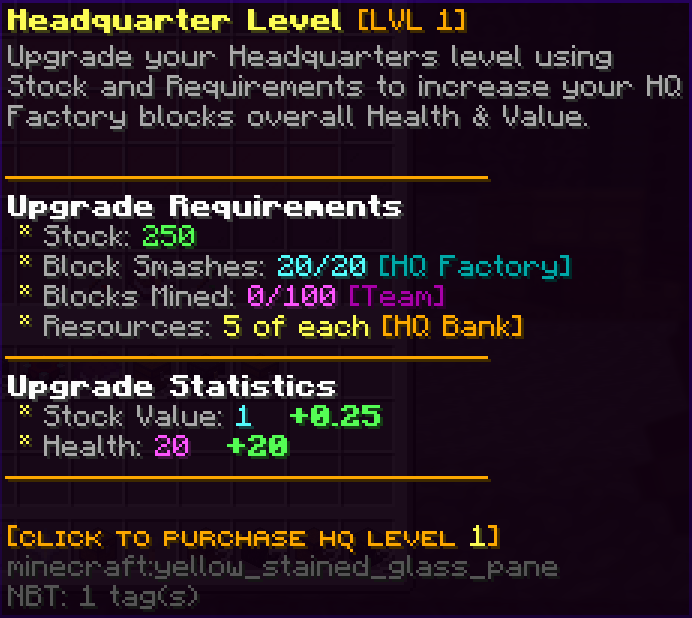
Upgrading your HQ level increases the block health and value! You can access the HQ level menu by clicking the EXP Bottle in the HQ menu. Each level has a number of difficult requirements before allowing you to upgrade to the next level. HQ level requirements pictured below.
HQ Resources
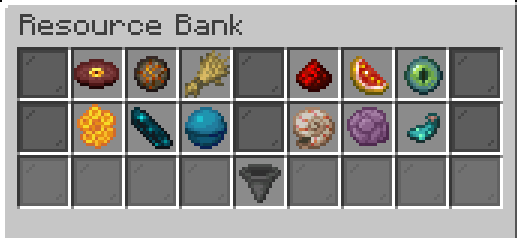
HQ resources are one of the requirements in upgrading your HQ level. These resources can be earned through the completion of jobs. You must deposit these resources from jobs in your HQ bank. This will give you and your team access to use these resources for your HQ upgrades.
HQ Upgrades
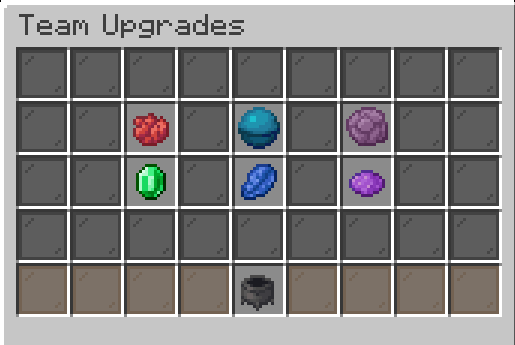
HQ upgrades are extremely powerful boosts for you and your whole team. These upgrades only cost stock, which is earned through your HQ factory.
There are currently 6 upgrades for your HQ:
- Damage - Gives everyone on the team a permanent damage booster towards their personal factory.
- Block Spawn Speed - Increases the rate at which blocks spawn in everyones personal and HQ factories.
- Double Resources - Chance to get double resources when completing a job.
- Money - Gives everyone on your team a permanent money booster.
- Energy - Gives everyone on your team a permanent energy booster.
- Elixir - Gives everyone on your team a permanent elixir booster.
HQ Enchants
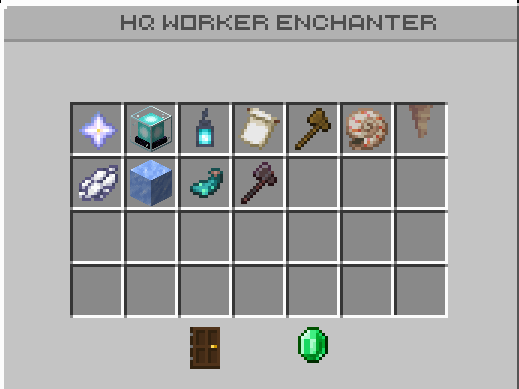
HQ enchants apply to only the workers in your teams HQ. These provide powerful boosts to your teams progression, but are quite expensive to upgrade. They require resources from your HQ bank earned through job completion to upgrade them.
Pets
Pets are a core gameplay mechanic in progressing to the top! Pets are obtainable by opening pet boxes. Pets have different rarities to them as well as a leveling system the more you use it. The higher level of the pet, the stronger the multiplier is. As you obtain higher rarities for each pet, its max level will go up which in turn gives you a higher multiplier. You can increase the rarity by fusing 2 of the same rarity pet.
Pets level can be increased instantly by using a book of experience and the rarity can be increased by using a book of rarity.
Note: Pets are bound to your account, and can only be given to others if they have a pet scroll to make it their own!
There are currently 7 pets that are obtainable:
- Swing
- Energy
- Elixir
- Pass
- Enchant (Releases during the map)
- Money (Releases during the map)
- Universal (Releases during the map)
Boosters
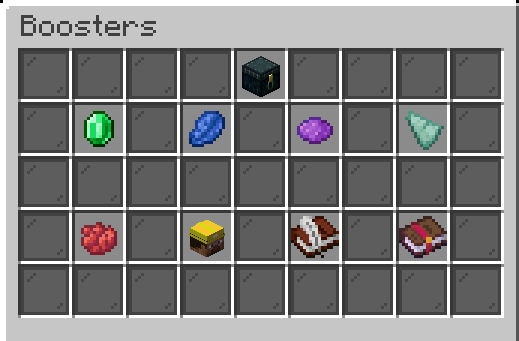
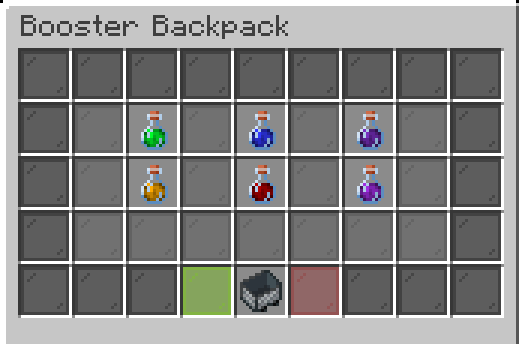
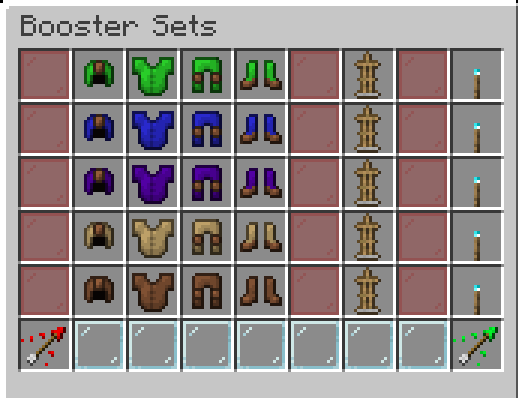
You have the ability to view your multiplier for every currency using the command /boosters. From here you can access your booster backpack. When you receive temporary boosters, they will automatically be added to your backpack. Here you can choose to start and pause your boosters whenever you like!
Additional Features
Armor
Each armor set gives you a different multiplier, with each piece having enchants to make it much stronger. You also have 5 skins to choose from, each giving a different ability to your armor set. There are 3 common armor sets that can be purchased using shards, while the rest can only be obtained by winning them.
Common Armor Sets:
- Money - 0.25x Money Multiplier
- Energy - 0.25x Energy Multiplier
- Elixir - 0.25x Elixir Multiplier
Crate Keys
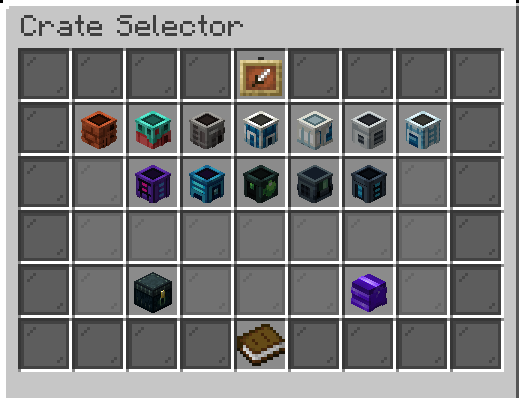
Keys on factory are slightly different from the ones you'll find on our other realms. Each factory has its own set of keys, where the rewards get better as you unlock new factories! You can view your keys with the command /keys. They can be obtained through enchants and completing pass tiers.
Enchanted Pass
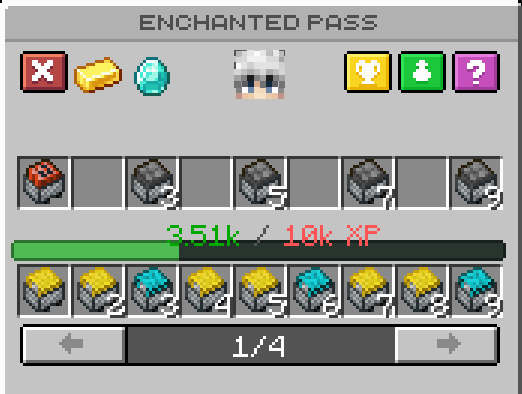
The Enchanted Pass is a reward system that gives you exclusive rewards as you level up. You can pass experience through worker swings and mining blocks in the mine. You can gain access to even more rewards by upgrading to the gold or diamond pass!
Milestones
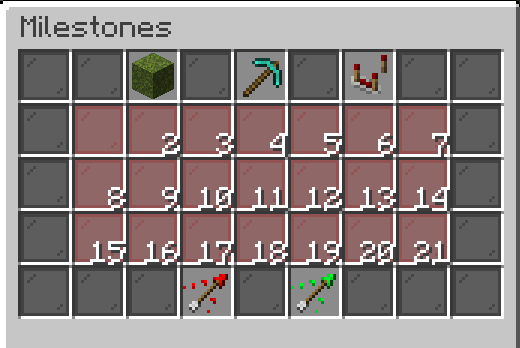
Milestones give you a variety of rewards for reaching certain stages of your journey. You'll be notified in chat when you have reached a milestone and have a reward to claim. Don't forget to check them often as there are OP rewards you could be missing out on!
There are currently 3 milestone categories:
- Smashes
- Mining
- Job Completions
Gifts
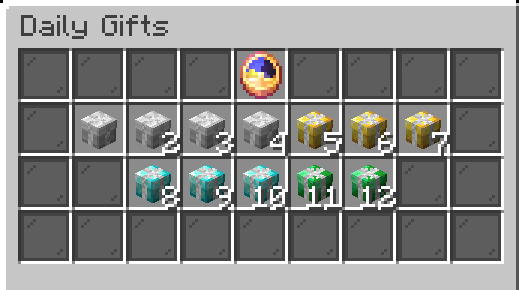
Gifts are a set of playtime rewards that you're able to receive daily! These gifts are a good way to boost your progression over time. Gifts also have a small chance to be a golden gift, which has the chance to give extremely rare items, so don't forget to claim them everyday.